Saved passages
Save a whole passage and find it again by words or reference.
Read a passage in context, follow a theme, and save the thoughts you want to return to.

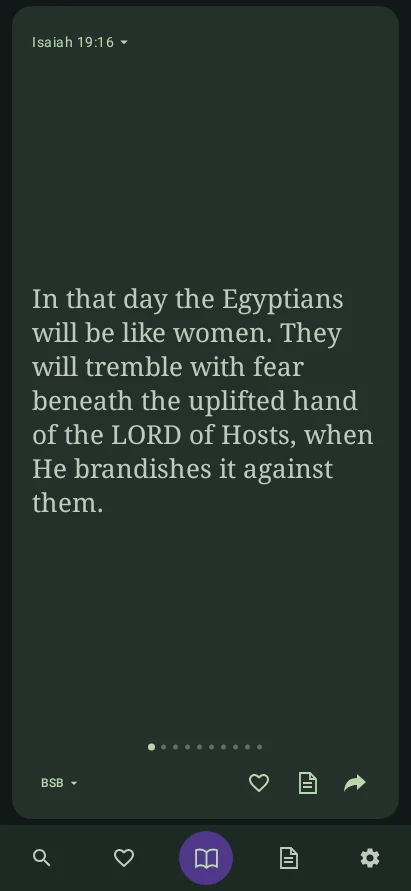
Reading
Swipe up or down for another shuffled passage. Move sideways through the verses. Each passage keeps the context.
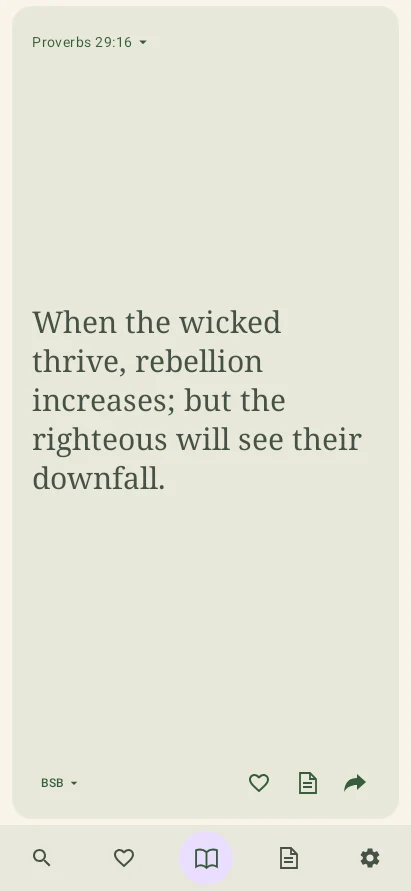
Paper Mode. Text size is adjustable.
Themes
Choose a theme to shape your feed, then open related passages to follow its connections through Scripture.
Save a whole passage and find it again by words or reference.
Write a reflection and return directly to the passage it belongs to.
Read BSB, MSB, WEB, WEB-B, or Spanish Reina-Valera 1909. Set a favorite for reopening.
Set an optional reminder for a time that works for you.
Sharing
Choose verses and one of 50 backgrounds, then frame them as a portrait or square image.


 32 landscapes 18 abstract gradients
For God so loved the world that He gave His one and only Son, that everyone who believes in Him shall not perish but have eternal life.
John 3:16 · BSBThis preview shows framing. In the app, you can also select verses and enlarge the finished image.
Yes. Scripture, themes, saved passages, notes, and image creation are available offline. Sending an image or text to another app uses Android’s sharing menu.
No. Distracted has no in-app accounts, ads, or analytics. Your notes and saved passages stay on your device.
Export a personal backup in the app, then import it on your other device. The file includes your notes and saved passages, so keep it private.
Availability
A paid download for Android 8.0 and later. Pricing and a store link will appear here when the app launches.